Anyone can design an app.
I design the OS for the enterprise as a
designer on a team of 8 engineers.
How I Work
Fast pace.
Solo designer.
One Big
Operating SystemView project
Shipping a feature a week with 8 engineers who had each other - I didn't
have that, so AI became my colleague, not just a tool.
1
Automate my workflow
Meeting notes get written, saved, and filed automatically -
I never touch them by hand, so nothing gets lost or forgotten.
2
Brainstorm with multi-agents
There’s no other designer to check my ideas against, so I run
them through Claude, Gemini, GPT, and Stitch before deciding.
3
Code it myself
I don’t just hand over a mockup - I build the working prototype
myself, so I know right away if it actually works.
Button
4
Make it repeatable with a shared library
Once something works, I turn it into a reusable pattern in our
shared library - so any engineer can build with it and it still looks right.
1
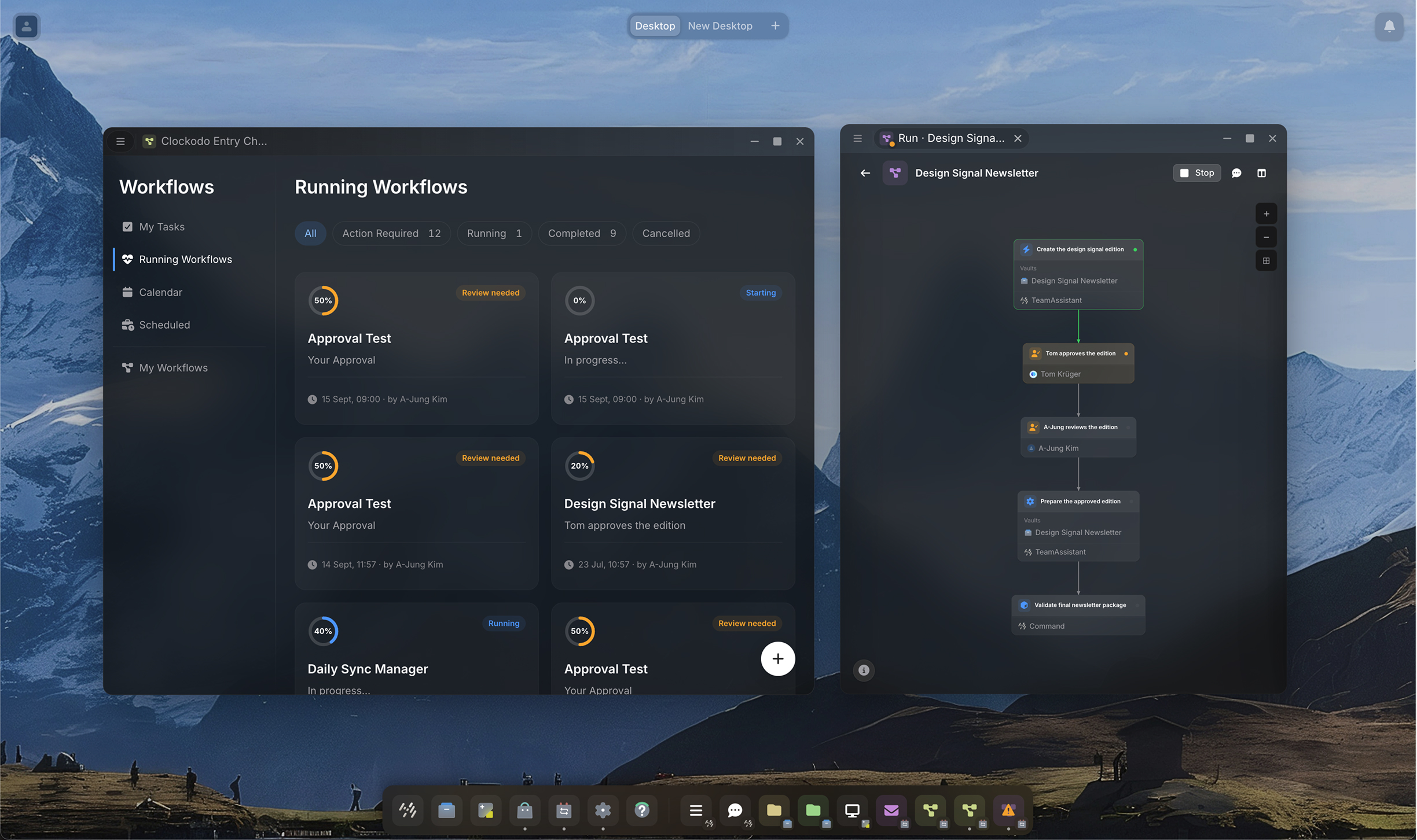
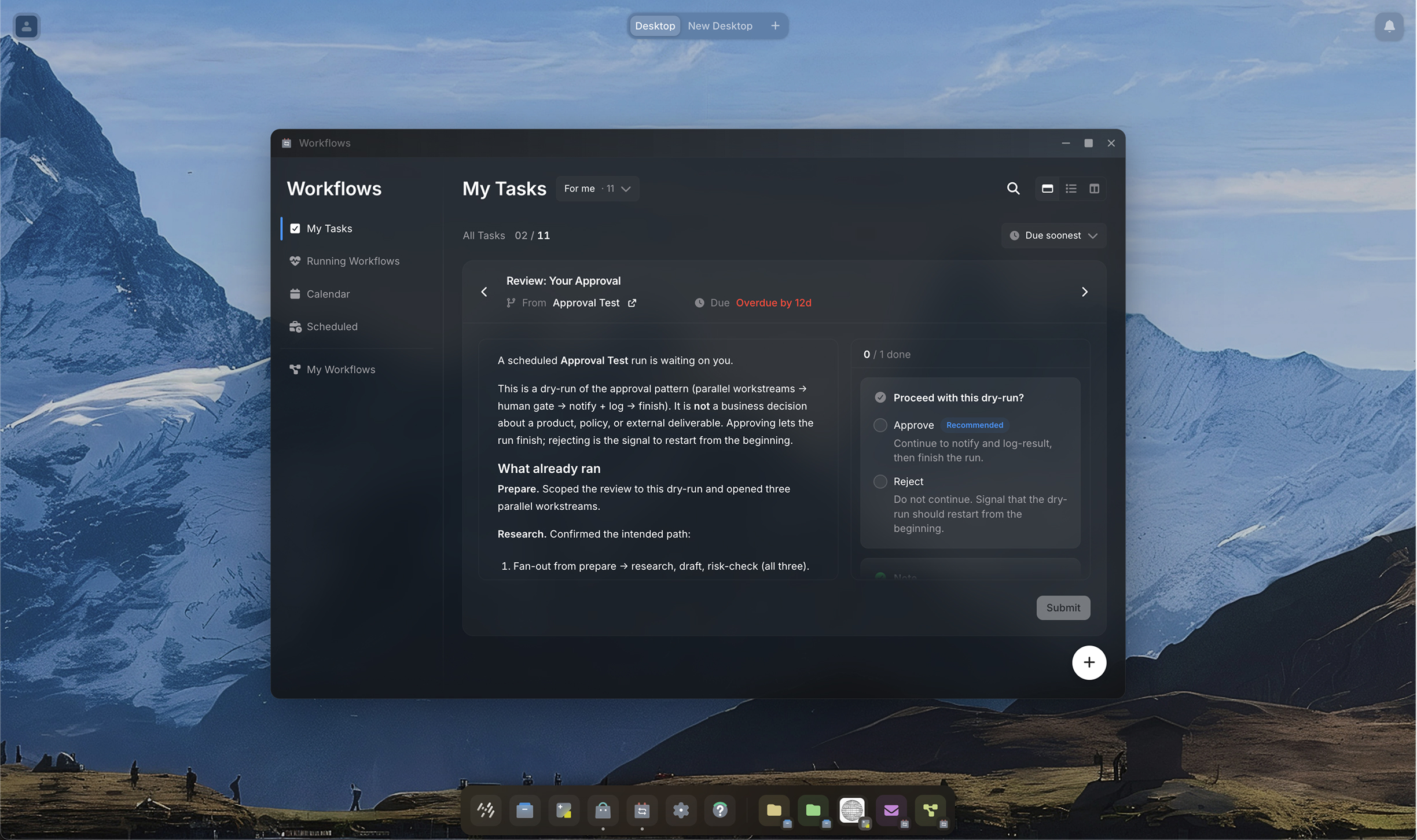
In an automated workflow, when should an agent interrupt you?
Every workflow update could have pinged the team - a step
finishing, an agent picking up the next task, progress ticking
along. Instead I built one rule: only interrupt when a human
decision is actually blocking progress. Everything else logs
quietly and folds into a transparent record once the run ends,
so the one card that needs you stands out, and nothing
else demands your attention.
2
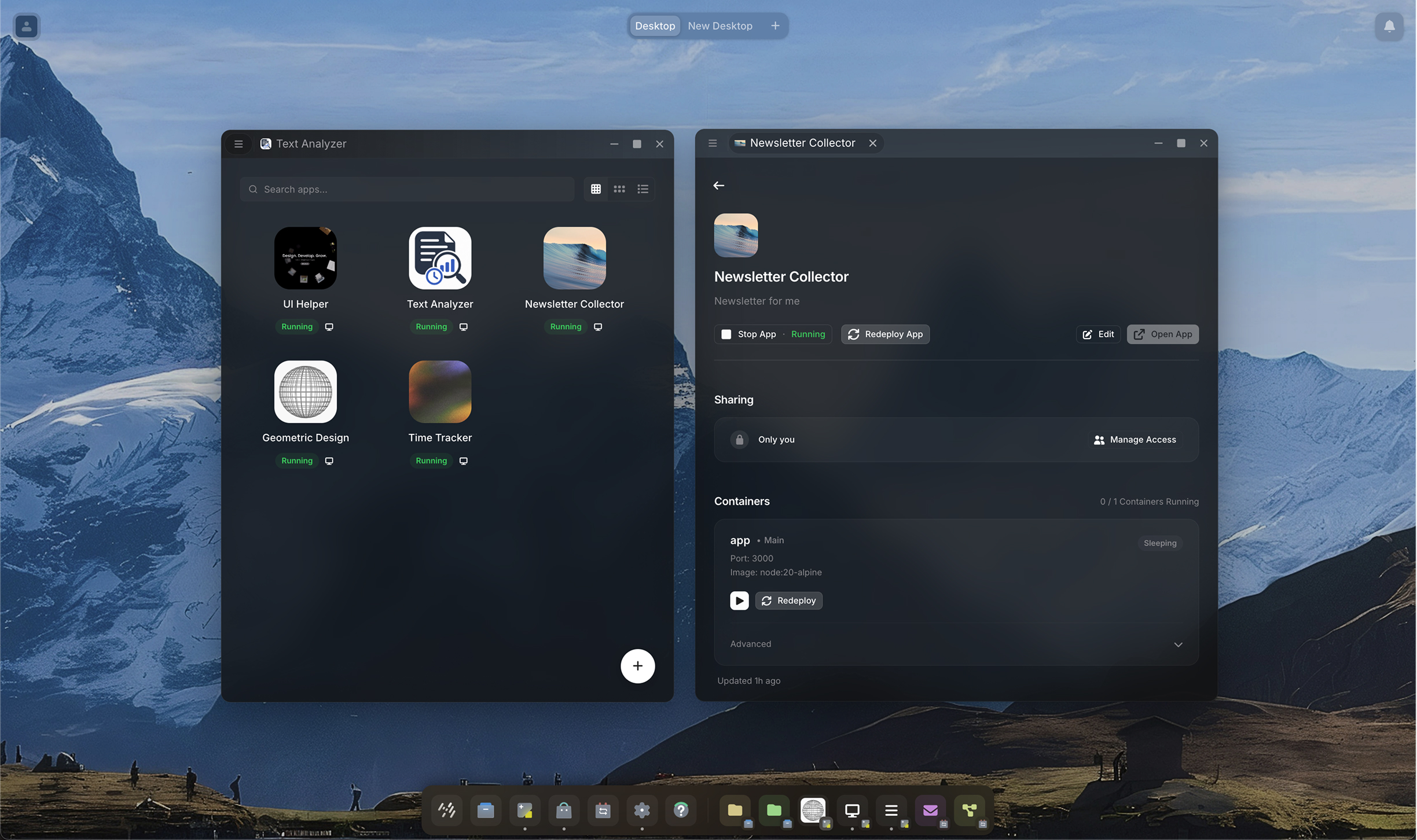
Can 1 designer keep up with 9 apps?
9 apps, each built end to end by its own Epic Owner - so every
feature ships the way its owner imagined it. I run the standing
cleanup loop that pulls them back into one language:
AI-parallel ideation, Stitch to Figma, then implemented
straight in the app - with every new component synced
back to Storybook.
3
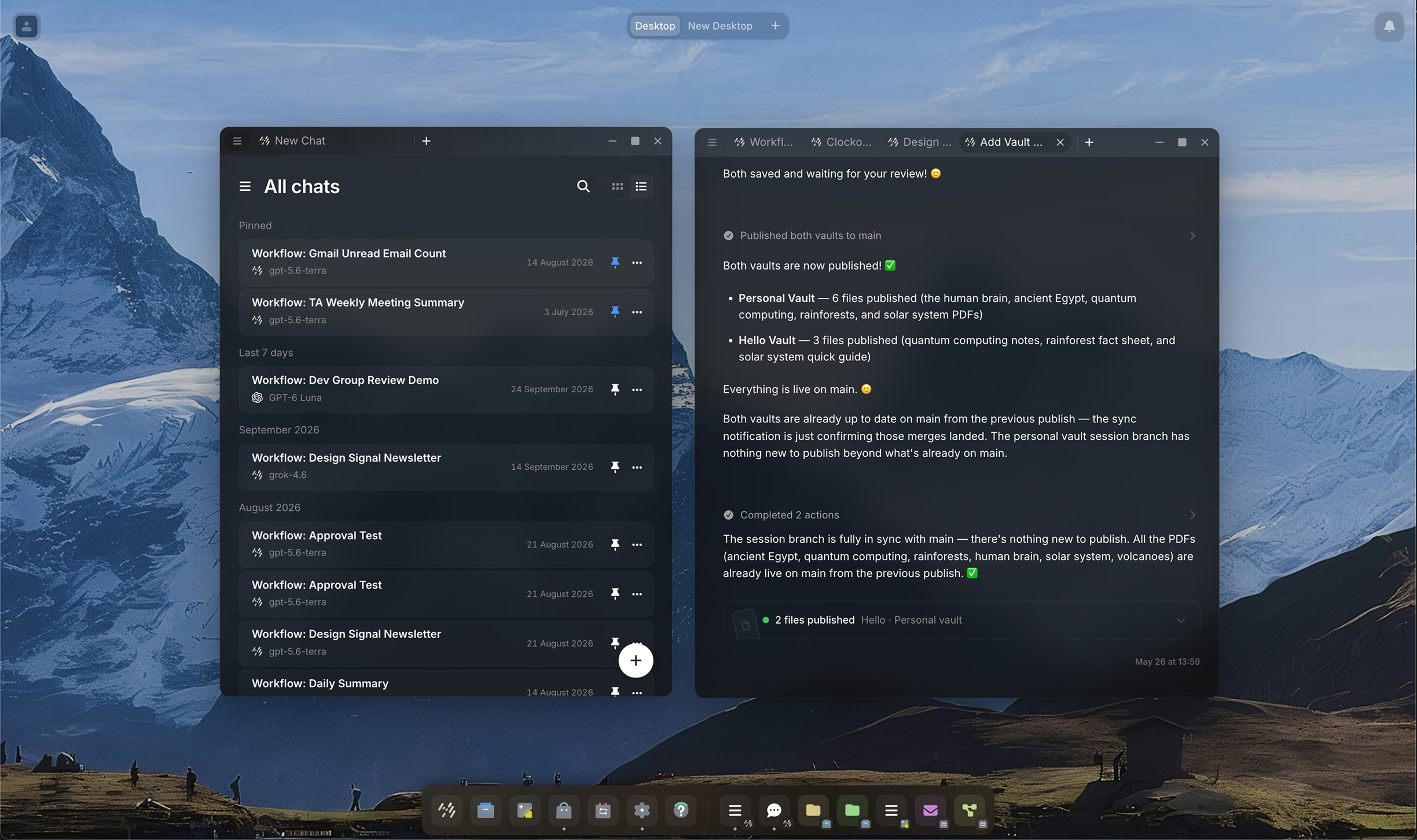
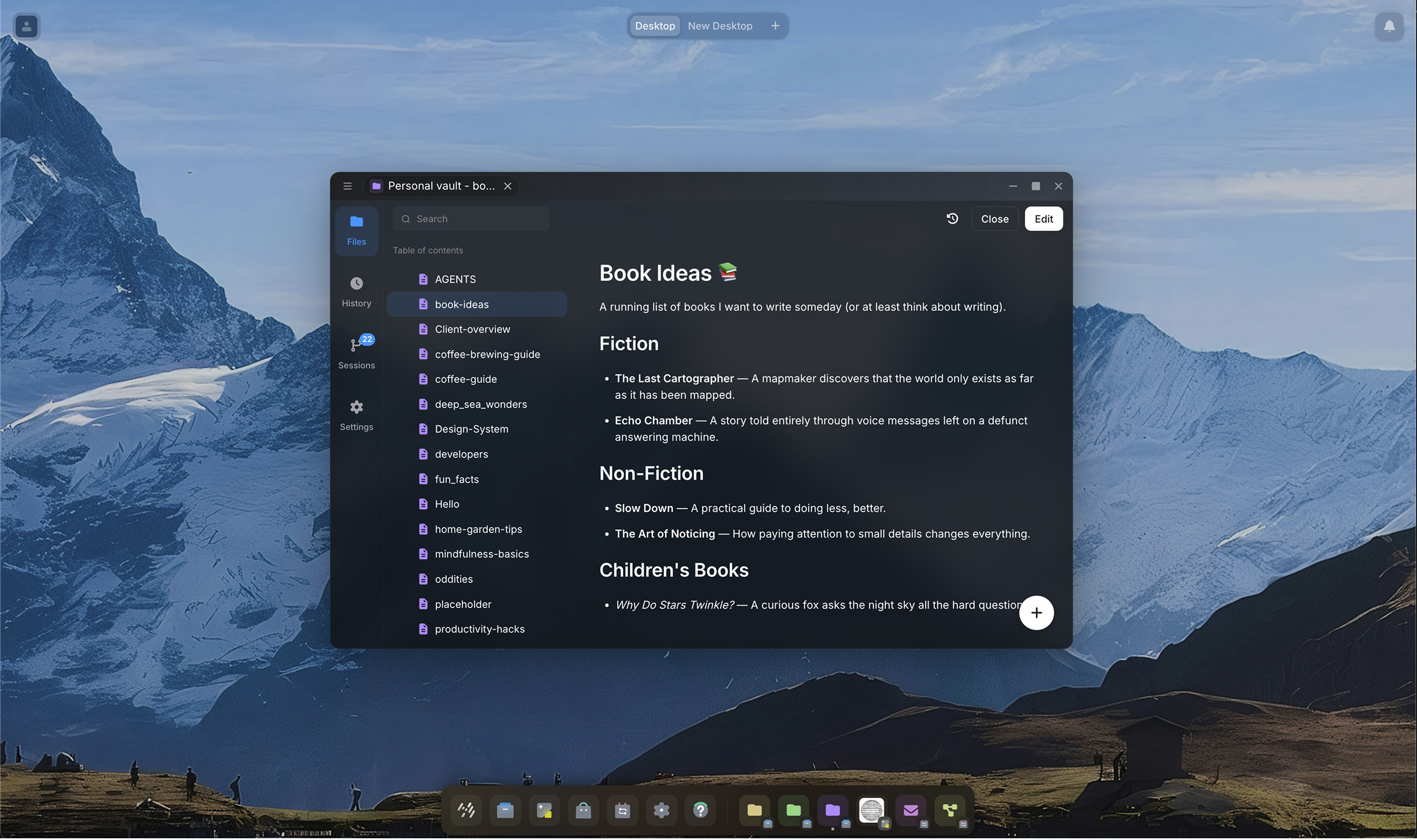
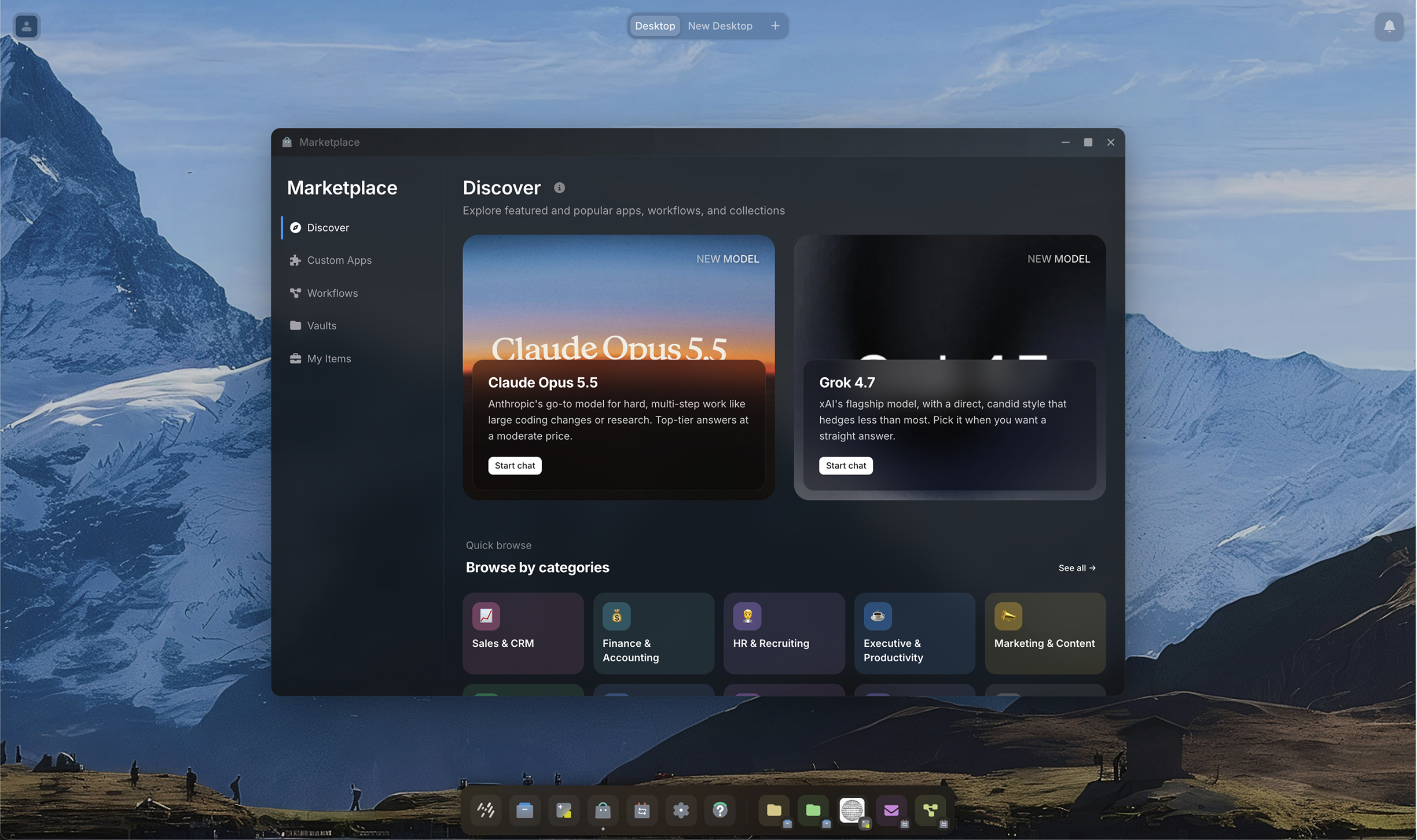
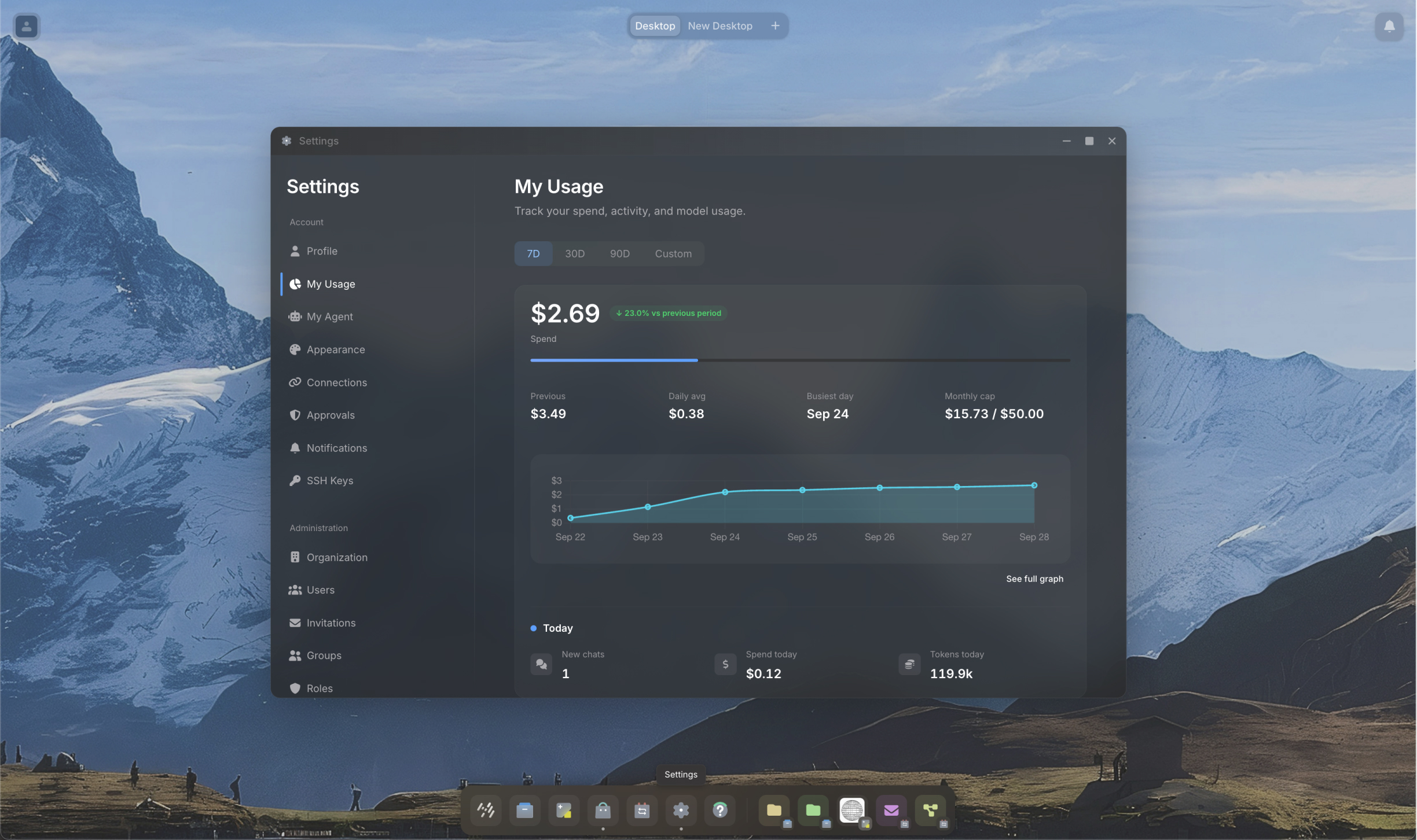
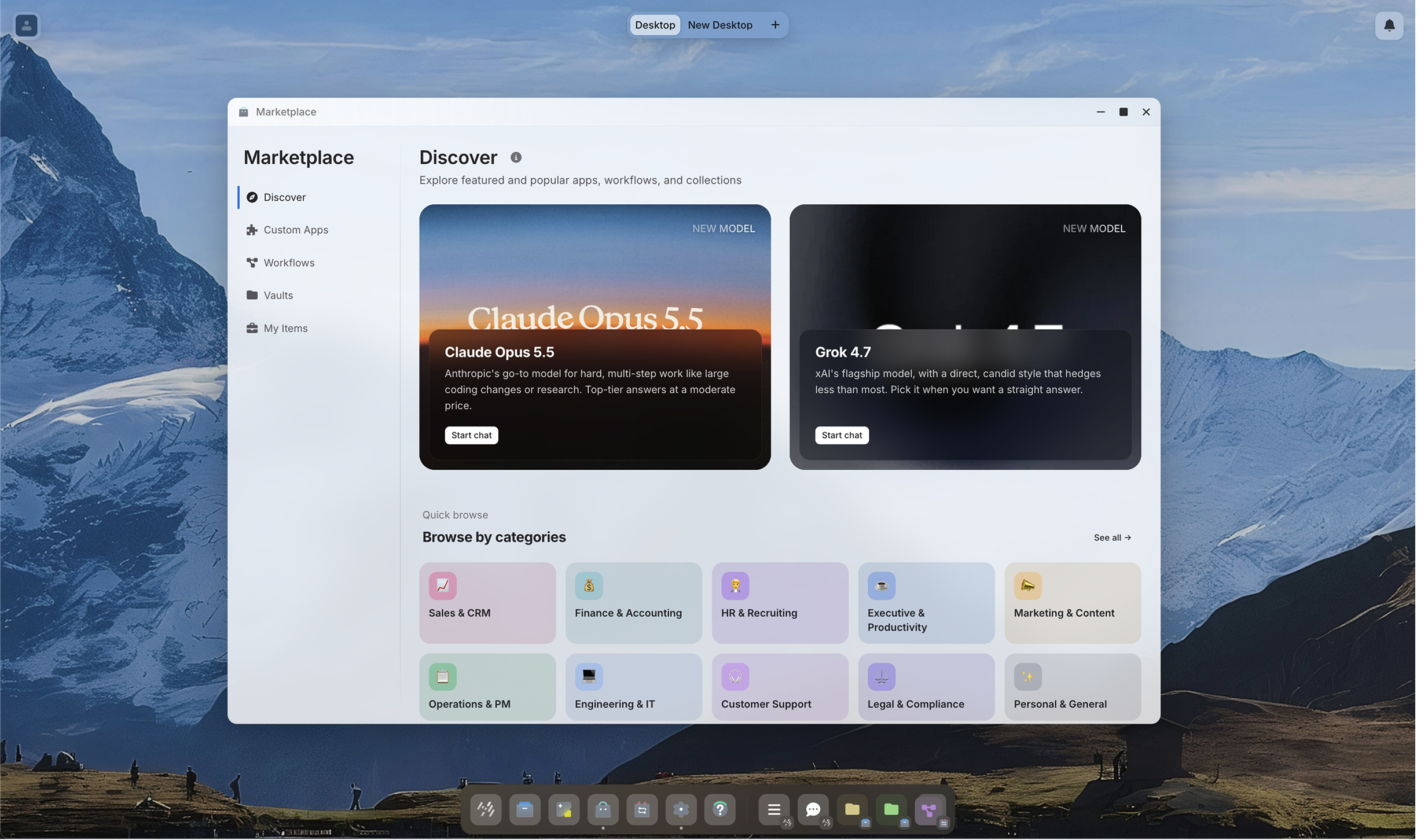
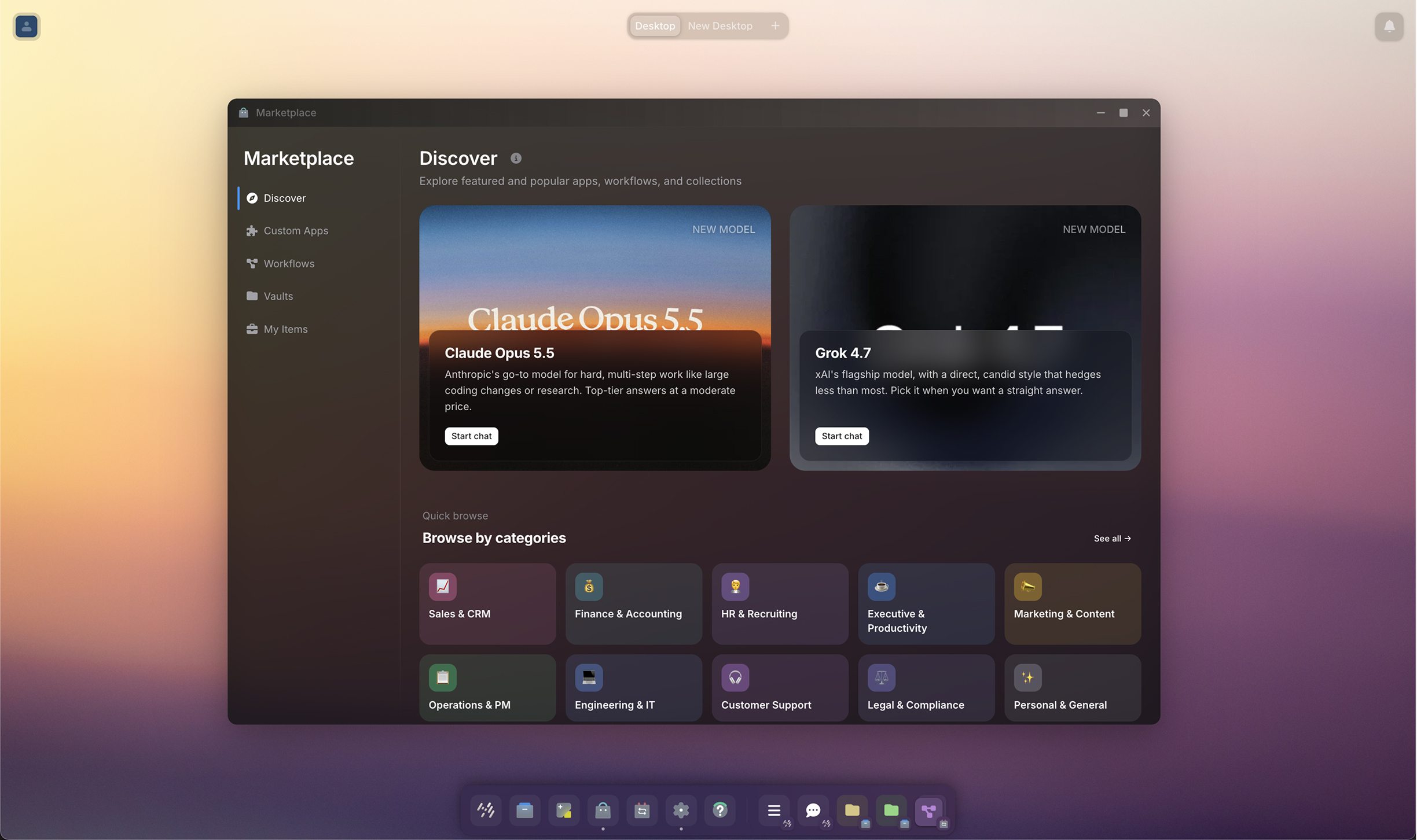
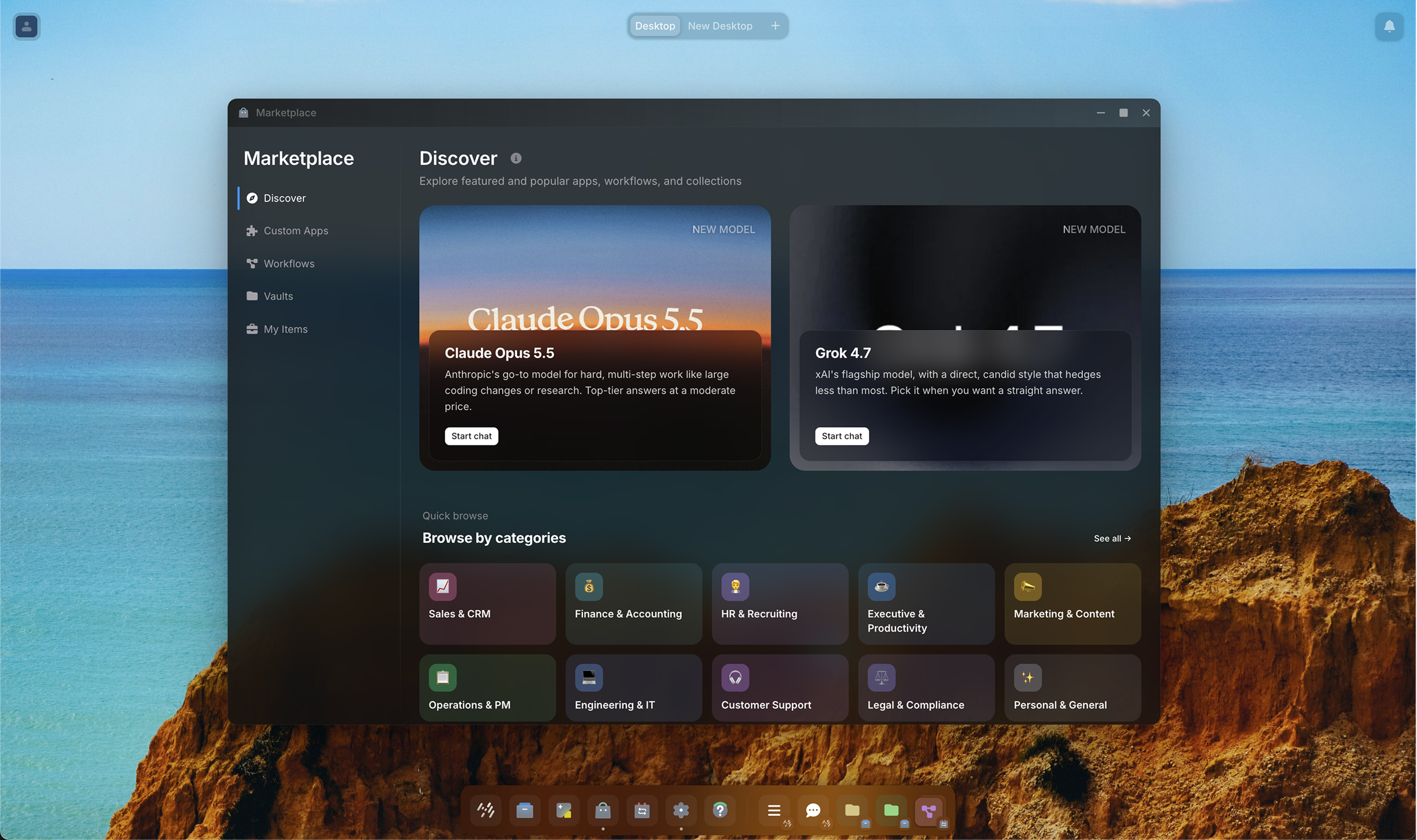
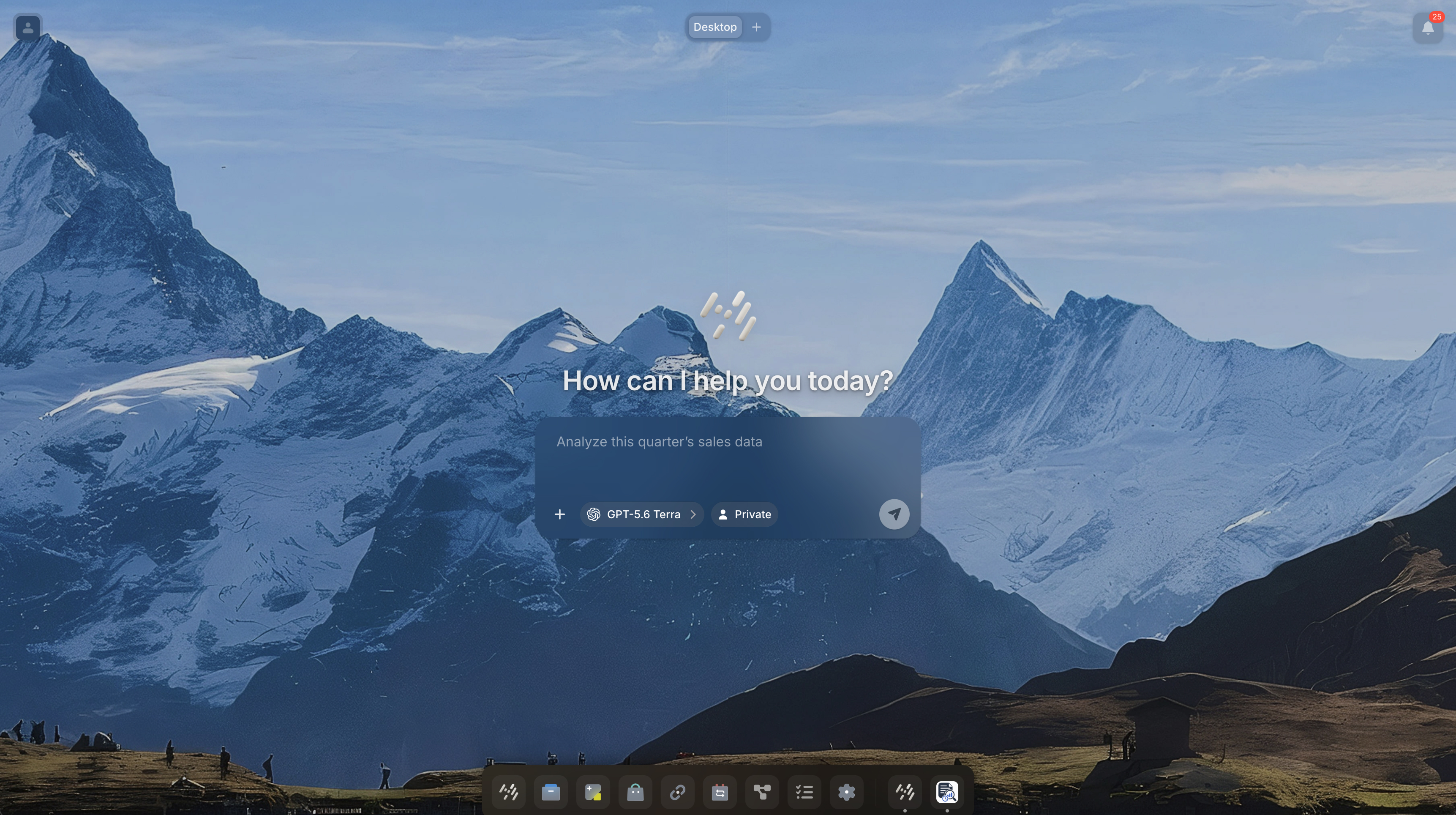
Can a flat chat become a desktop OS?
I took TeamAssistant's concept from its earliest flat, generic
chat model to the desktop-style Agent OS it is today. Its founding
vision was already a team of agents, each with its own persona,
working together - not one all-knowing agent. I designed
the layer that vision never had: a desktop-style,
multi-window UX where those agents visibly communicate and the
user's focus is multitasking alongside them. All 8 engineers
rallied around it, and I defined the glass window language and
typography it needed to actually hold up, grounded in WCAG.
Cross-Industry
More Highlights
Outside the OS - more of what I've built, across industries.
2024 · Client
TeamAssistant
Handles files and tasks across your whole computer
Visit live product
2024 · Client
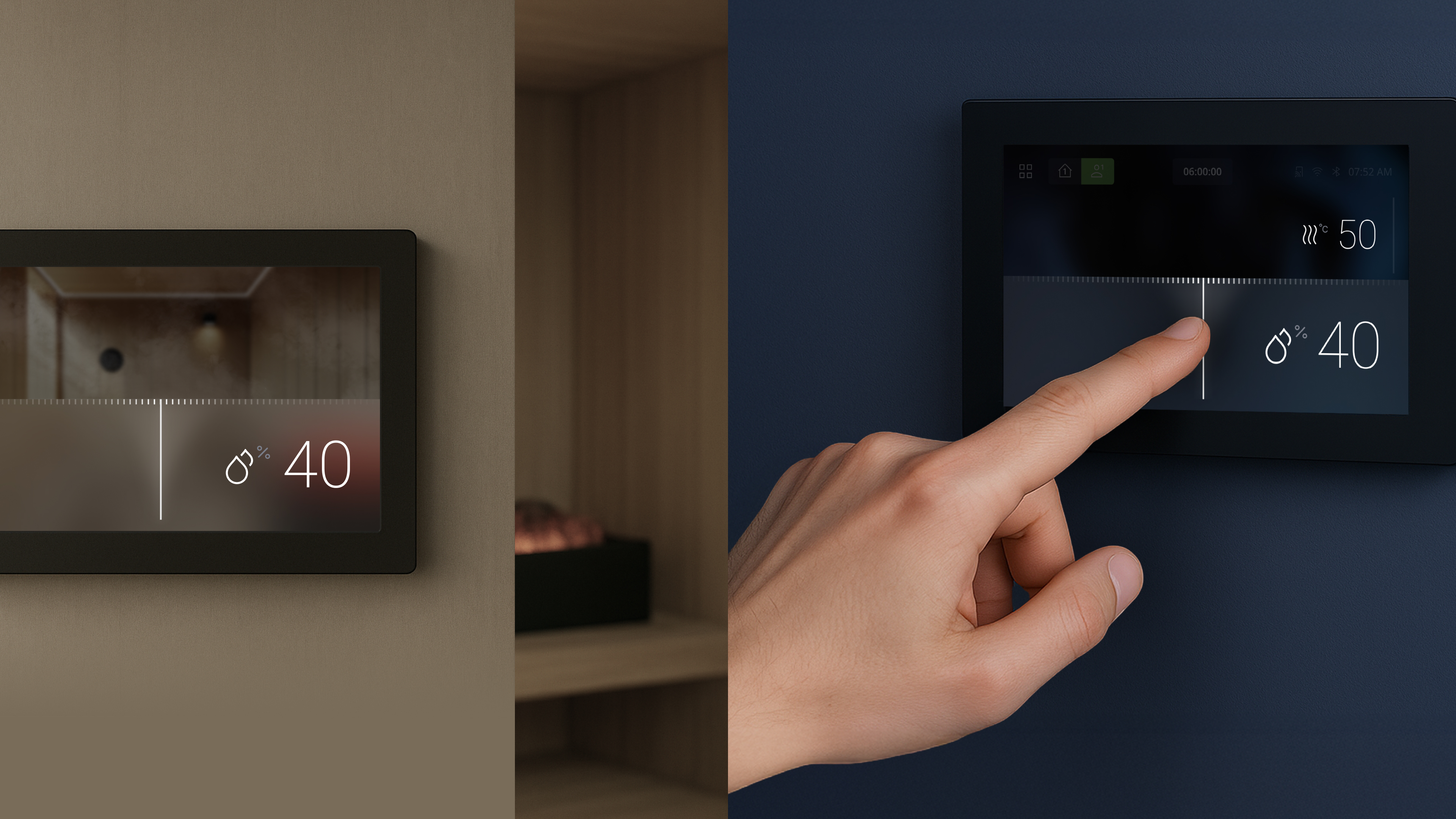
Cross-Tier Sauna Interaction
An information-hierarchy controller, scaled to a palm-sized screen
2024 · Client
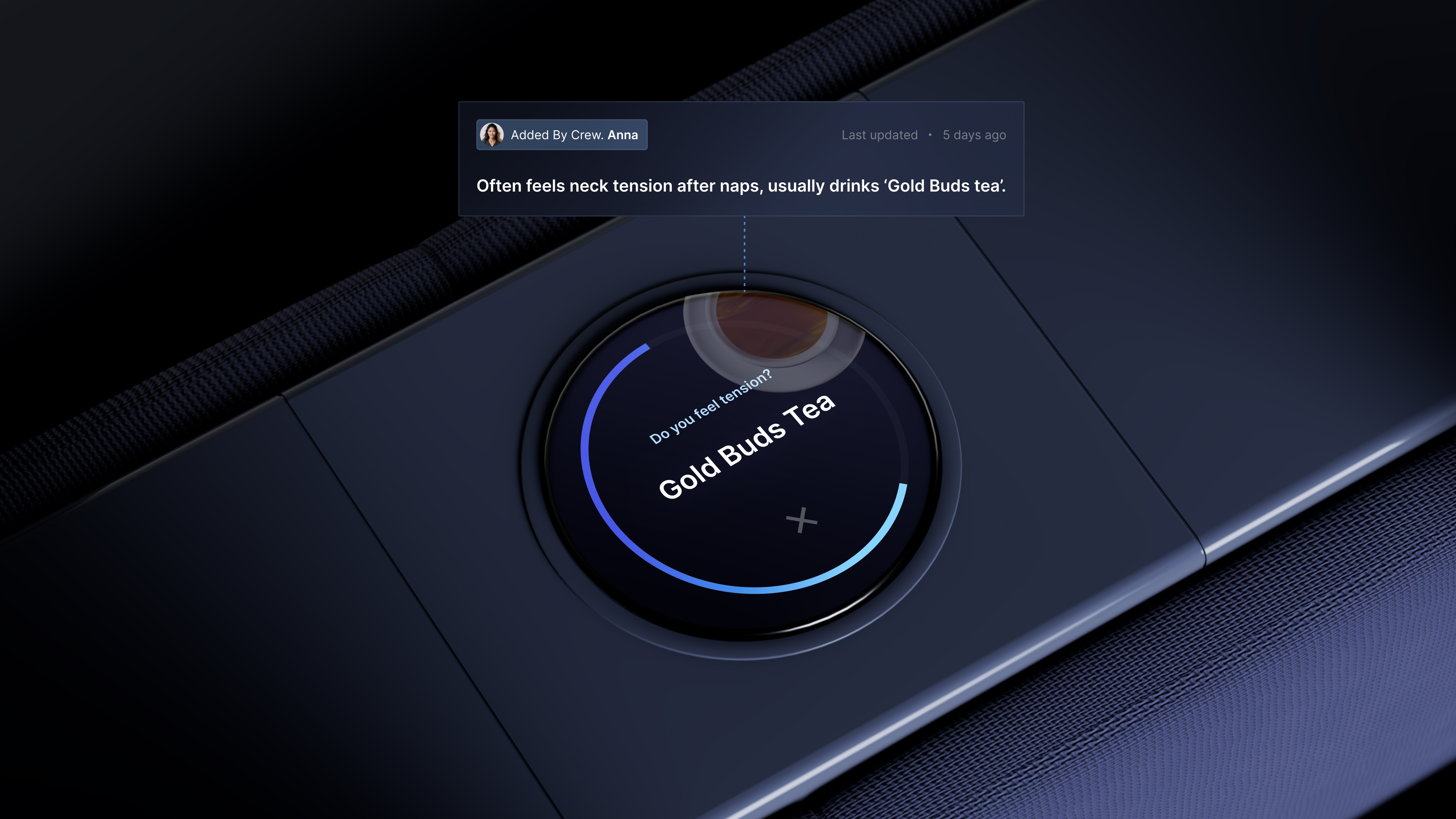
Private Jet Luxury AI UX
Subtle, intelligent AI built for VIP guests
2023 · Client
Unified Home Appliances UX
One interaction language across every appliance
2020 · LG
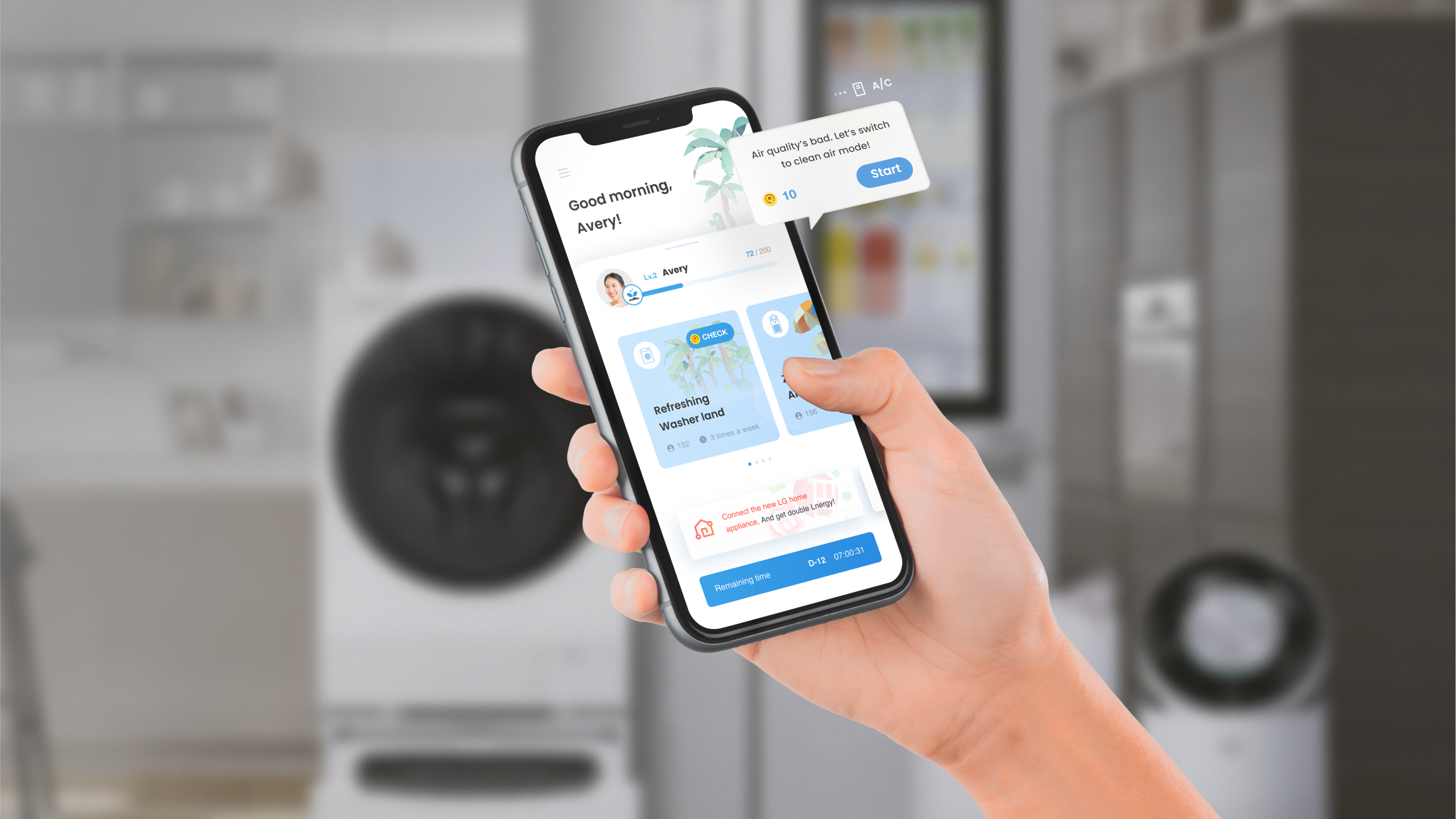
LG Home IoT App "ThinQ" Renewal
Small wins that keep Gen Z coming back
2023 · Client
BMW-Inspired High-End Future Home
A near-future vision for the luxury kitchen
AI Medical Service for the Deaf
Removing the communication barrier in care
2022 · BMW
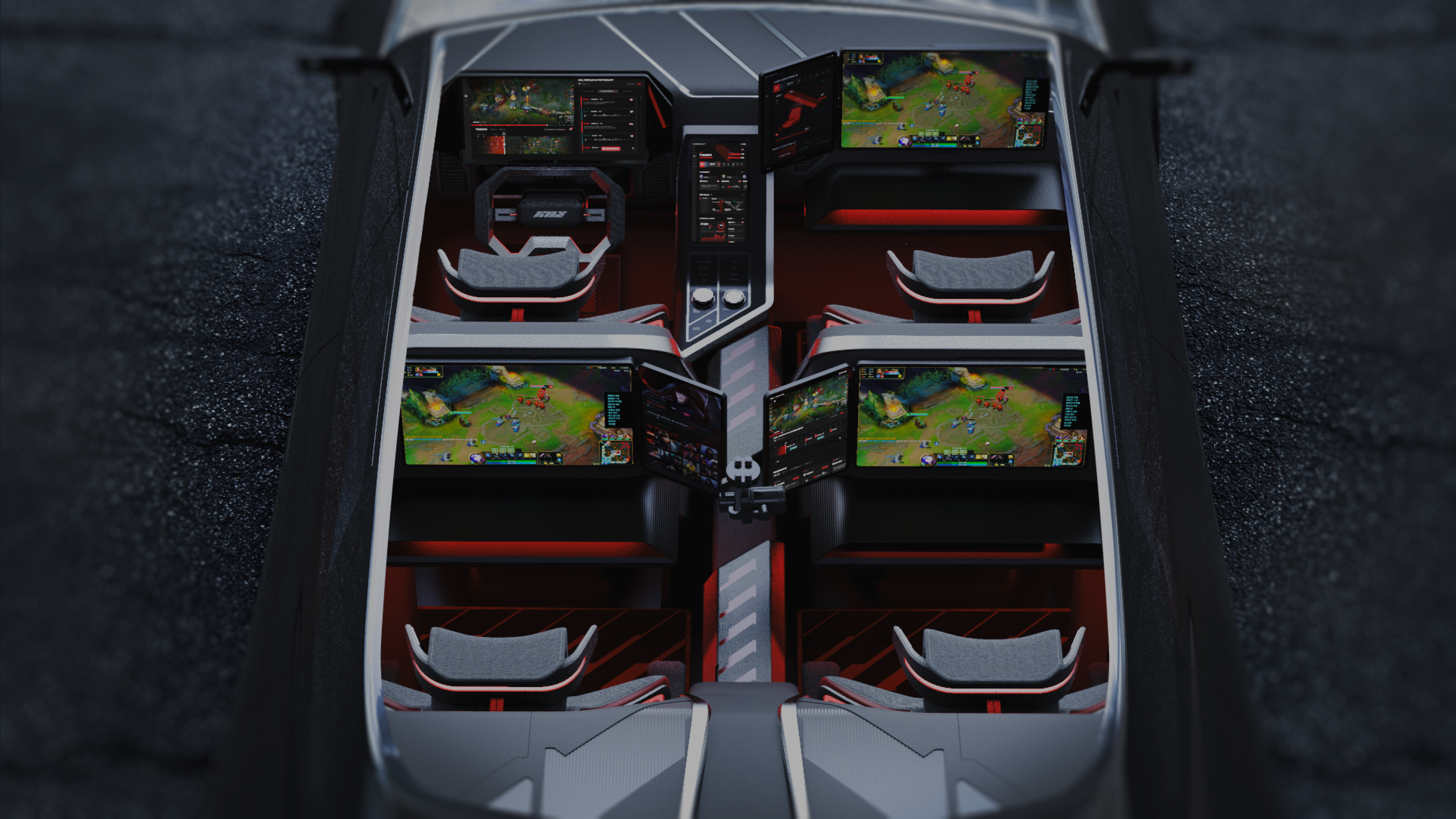
Progamers In-Car Gaming Automotive
Turning autonomous drive time into gameplay
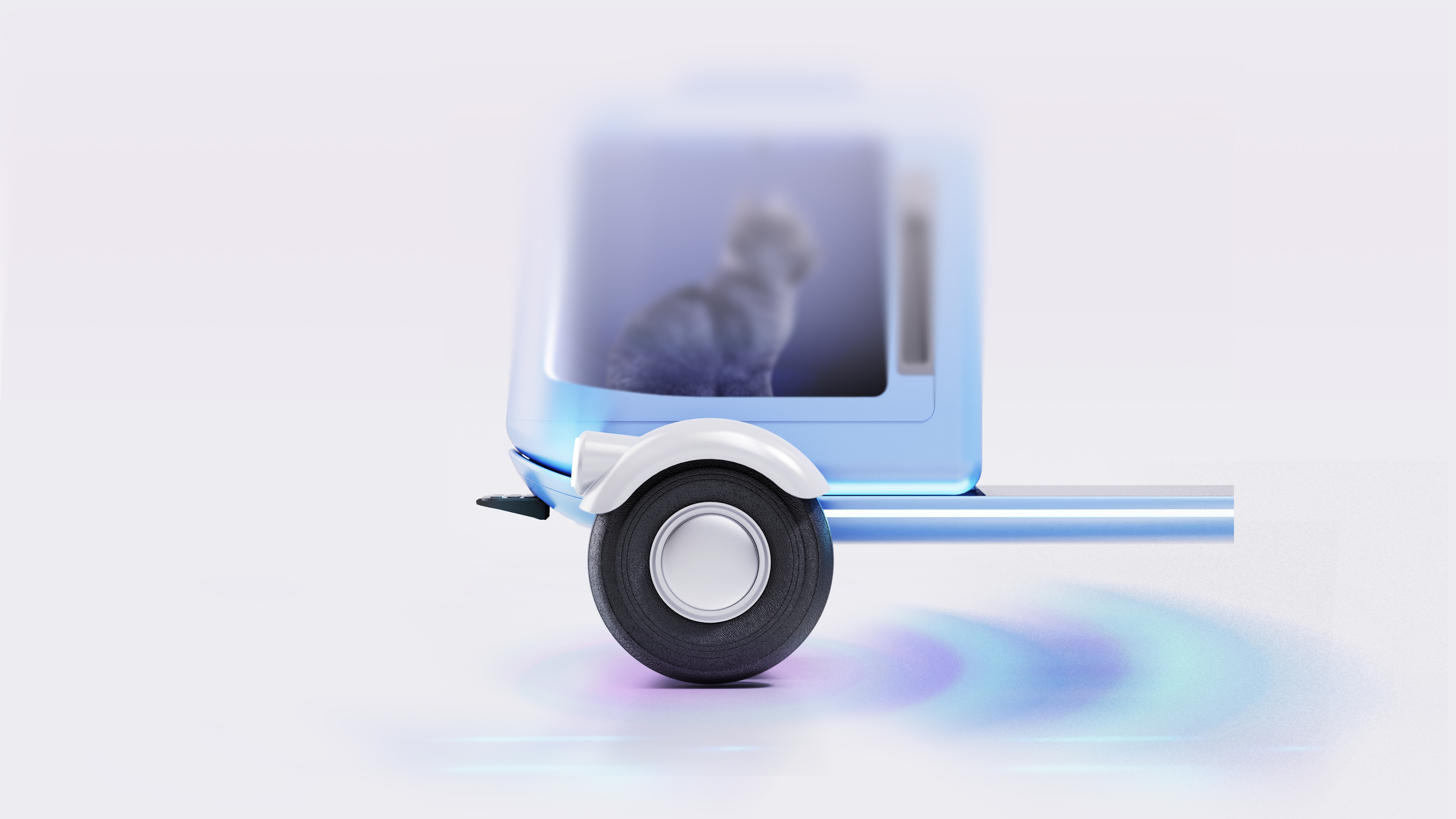
Pet Friendly Mobility
Mobility built for solo owners traveling with pets







 LG
LG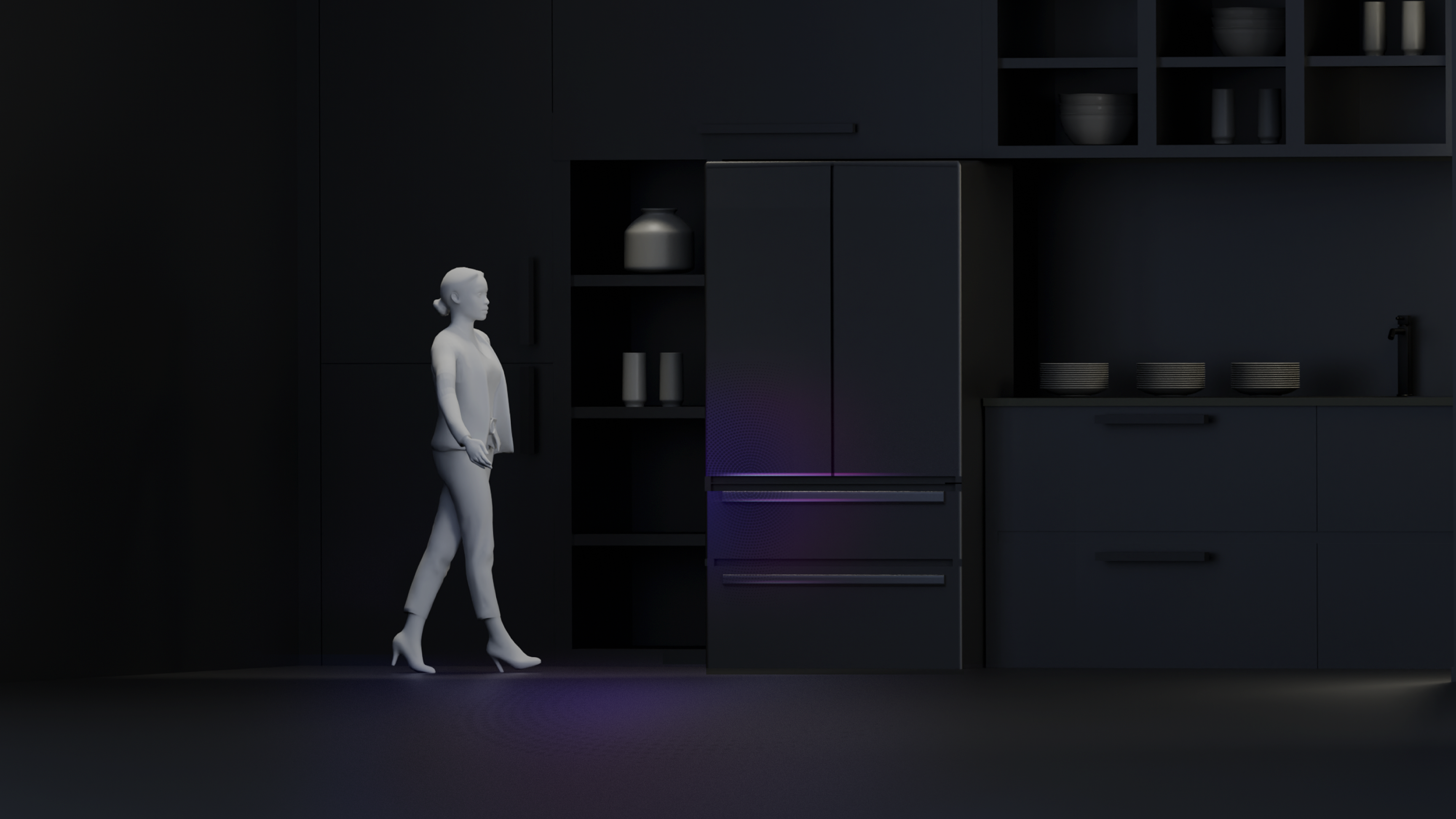
 BMW
BMW